Free QR Code generator with logo
QR Codes that change with you.
- Create static and dynamic QR Codes in seconds.
- Change the destination even after printing.
- See who scans them.
- No credit card
- Ready in seconds
- Easy to manage










Create your QR Code
Enter your Website QR details and choose whether to make it dynamic or static.
Enter your Website QR details
Make sure your URL is correct.
QR Code type
We recommend a dynamic QR if you want to track performance and edit the details even after printing.

- 27QR Code typesFrom websites to digital menus
- 3Download formatsPNG, SVG and PDF
- 0 €To get startedNo card required
- ∞Static QR lifetimeThey never expire
One QR Code.
Endless uses.
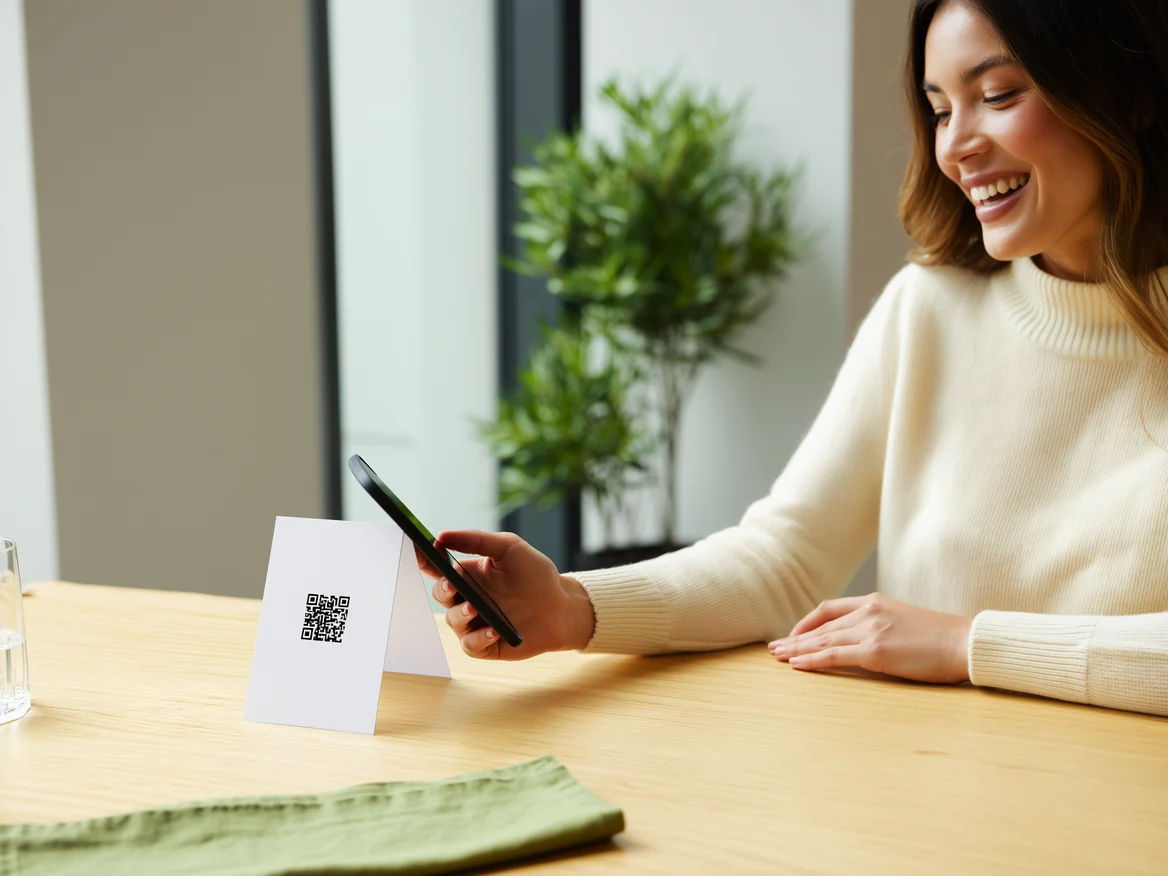
Whether you run a restaurant, a shop, a practice or a personal project, DenQr gives you the tools to communicate simply, quickly and effectively: from the table menu to the digital business card.
- RestaurantsDigital menu
- ShopsPromote your brand
- ProfessionalsBusiness cards
- EventsInfo and registrations
- Dynamic and static QR Codes
- Full customisation
- Real-time statistics
- Safe, reliable and always online
- No app needed to scan
- Share and print as PNG, SVG or PDF
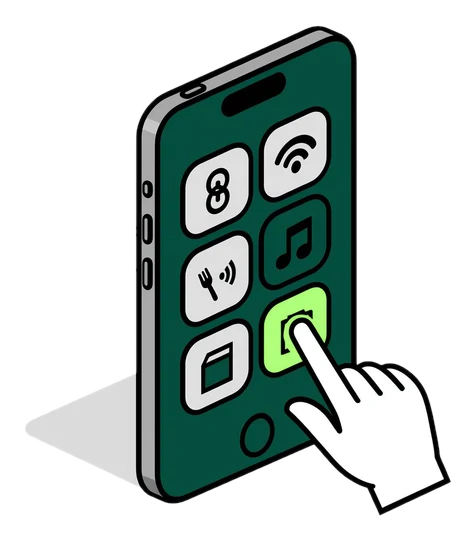
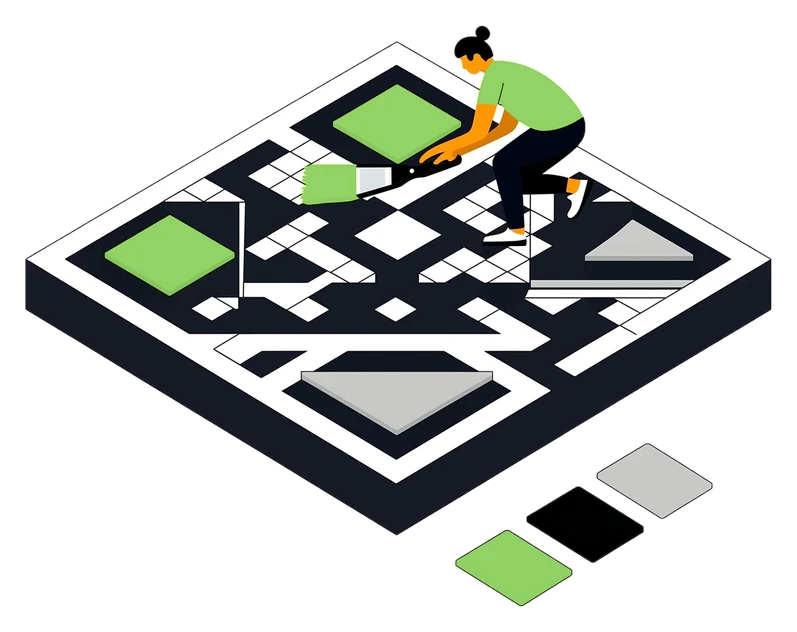
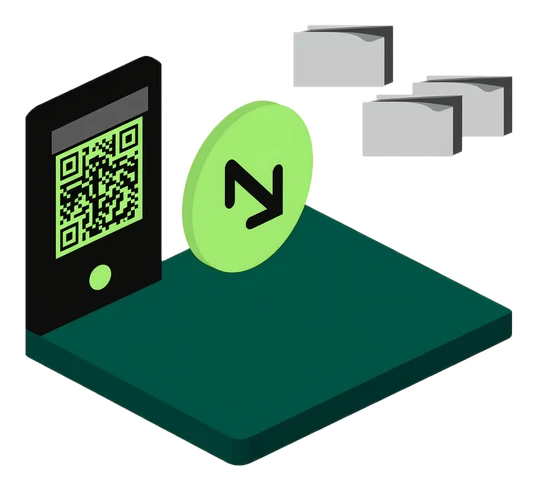
Three steps, zero effort
From the type of content to a print-ready file: create a branded QR Code in seconds, for free.
Total scans
24,532+12.5%
Unique users
8,421+8.7%
Countries
42+5.3%
Scan trend
- Devices
- Mobile76%
- Desktop18%
- Tablet6%
Countries
- Italia75%
- Svizzera9%
- Germania7%
- Francia5%
Every scan,
in plain text.
Every dynamic QR Code has its own statistics page: see how many times it’s scanned, from where and on which device, and understand what really works in your campaigns.
- Scans day by day
- Filter by period and location
- Devices and operating systems
- Countries and cities of origin
- Data export
Dynamic QR Codes
Change a QR Code’s destination even after printing it. The code stays the same; you update the content whenever you like.
See plansCustomisation
Colours, logo, module shape, eyes and frames: build a QR Code that looks like your brand, not like everyone else’s.
Try it nowSecurity and reliability
Password protection, expiry dates and scan limits on dynamic QRs, with your data handled under the GDPR.
How we handle data
One QR for everything.
Choose the type that best fits your project and get started. Create, customise and share in a few clicks.
- WebsiteLink a website or landing page
- vCardShare a digital business card
- Wi-FiConnect to your Wi-Fi network
- WhatsAppStart a WhatsApp chat instantly
- InstagramLink your Instagram profile
- FacebookGrow your page’s followers
- YouTubeShare a video or channel
- FileShare a document, image, PDF or downloadable file
- EmailOpen a prefilled email
- SMSSend a prefilled text message
- LocationOpen a location in Google Maps
- LinkedInYour professional profile
- TikTokPromote your videos and profile
- App StoreRedirects to the right app store
- And much moreExplore the full catalogue
Frequently asked questions
A static one has its content written into the code: it works forever but can’t be changed. A dynamic one points to a DenQr address: you change the destination from the dashboard, and it counts the scans too.
Yes, if the QR is dynamic: change the destination from the dashboard and the printed code leads to the new address straight away. No reprinting.
Yes, for dynamic QRs: scans day by day, device and country. We don’t collect the names or contact details of people who scan.
Static ones never do: they work even without DenQr. Dynamic ones stay active as long as you have an account; on the Free plan each one allows up to 500 scans, on paid plans there’s no limit.
Not for static QRs: you create and download them straight away. The free account is for saving them, creating dynamic QRs and seeing statistics.
PNG and SVG on every plan. Starter adds print-ready PDF, and Pro also adds EPS for print shops and Illustrator.
Pick the QR Code type (link, WiFi, vCard, menu and more), enter your details, customize colors, logo and frame and download it. Static QR Codes don’t even need an account.
Yes: upload your logo and choose colors, shapes and frame. Keep the logo small and centered, and always test the scan with a couple of phones before printing.
At least 2 × 2 cm on a business card. Rule of thumb: the side of the QR should be about a tenth of the scanning distance, so 30 cm for a sign read from 3 meters.
No. You can use your brand colors as long as the code is dark on a light background with good contrast. Avoid a light code on a dark background: many phones can’t read it.
No. The camera on iPhone and most Android phones reads QR Codes directly: just point it at the code and tap the link that appears.
The most common causes are low contrast, printing too small, a cropped white margin, an oversized logo or a wrong link. With a dynamic QR you fix the link without reprinting.
Create your first QR Code today.
Create, customise, share and track your QR Codes with DenQr. Start for free, no credit card needed.
- Live in seconds
- Free download as PNG and SVG
- Statistics included on dynamic codes